Payments - Stripe Integration
Stripe Integration Setup Guide
Amberflo offers a built-in integration with Stripe to support automated payment processing.
When an invoice is generated in Amberflo, the total amount is sent to Stripe, which handles the payment collection. Amberflo continuously monitors the payment lifecycle and updates the invoice status in real time based on changes in Stripe.
Configuration Steps
To configure Stripe integration:
- In the Amberflo UI, use the main navigation menu on the left to go to Settings.
- Select Payments.
- Choose whether to connect to Stripe in test mode or production mode.

Associating Customers Between Amberflo and Stripe
You have two options for associating customers:
- Use the Amberflo SDK or API to create a customer. Set the autoCreateCustomerInStripe flag to true when calling the Create Customer API. In the UI, you can also toggle the option to automatically create customers in Stripe (see image below).
- If you already have customers in Stripe, you can link them by updating the Amberflo customer object. Set the StripeId trait on the Amberflo customer to match the customer-id from Stripe.
The StripeId trait is used to associate the Amberflo customer with its corresponding customer in Stripe.
{
	"customerName": "Monsters, Inc.",
	"enabled": true,
	"updateTime": 1648767962572,
	"traits": {
		"stripeId": "cus_LCEP3LBELibfSM",
    "paymentProviderName": "STRIPE"
	},
	"createTime": 1631836633987,
	"customerEmail": "",
	"description": "",
	"id": "54a43bba-915d-4512-a0bd-9d9debe5555",
	"customerId": "54a43bba-915d-4512-a0bd-9d9debe5555"
}
If you choose to automatically create the Stripe customer, you can either use the Amberflo SDK or the API Create a customer with autoCreateCustomerInStripe set to true. In the UI, you can toggle the option to create in Stripe (image below):
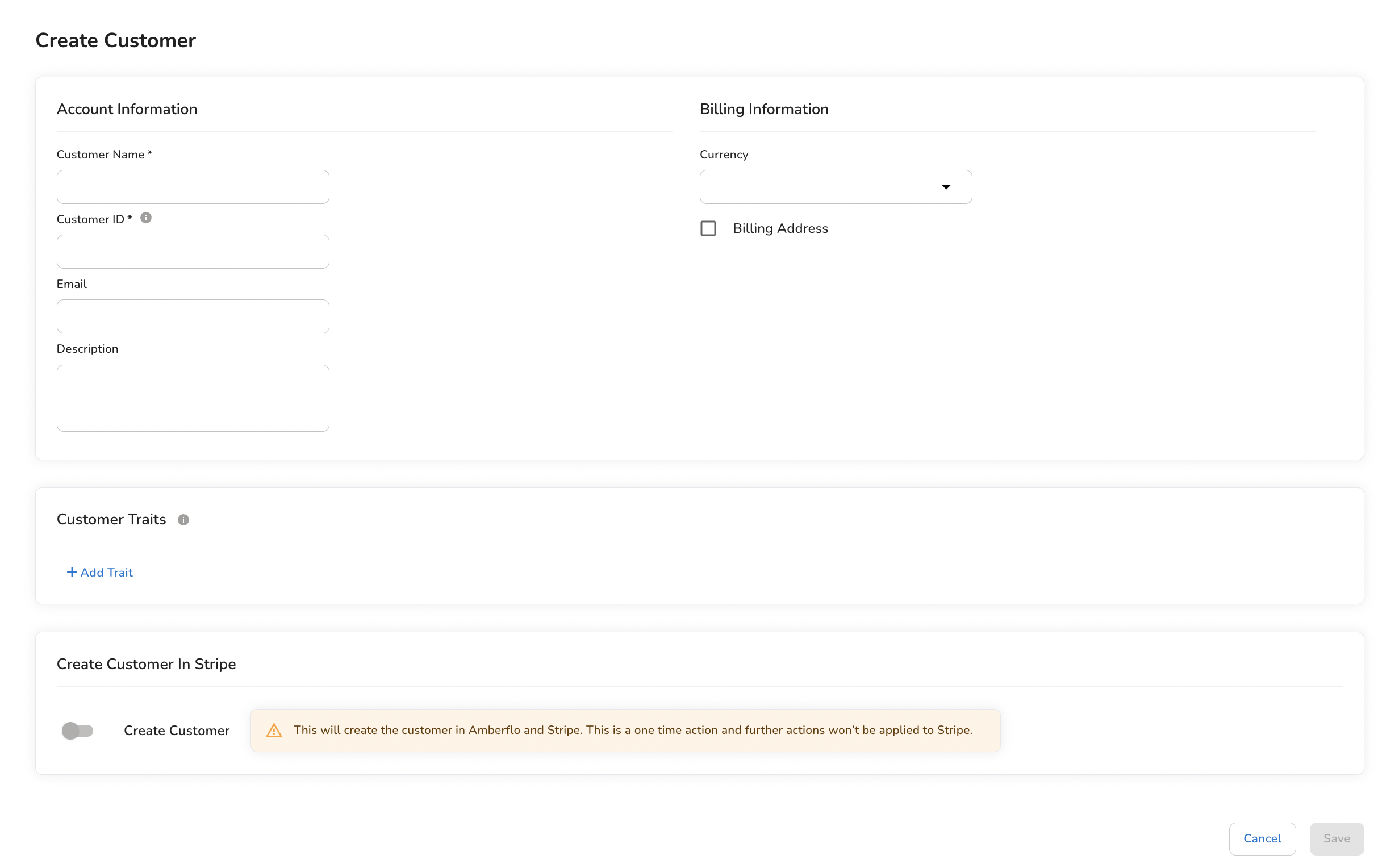
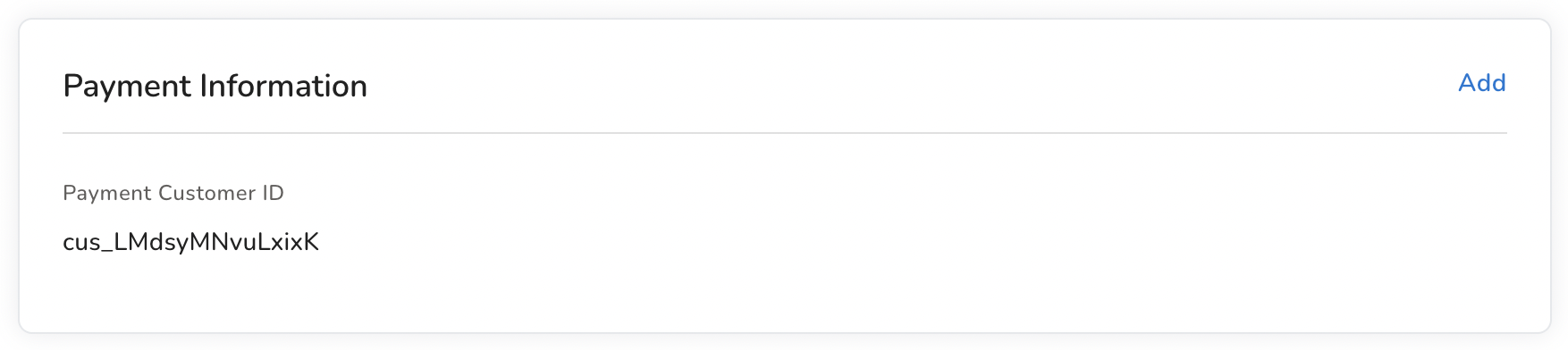
If you already have the Customer in Stripe and you would like to set up the Amberflo customer with the payment information, copy the created Customer ID (cus_XXXXXX) from Stripe into the Amberflo customer tab to update the payment information.
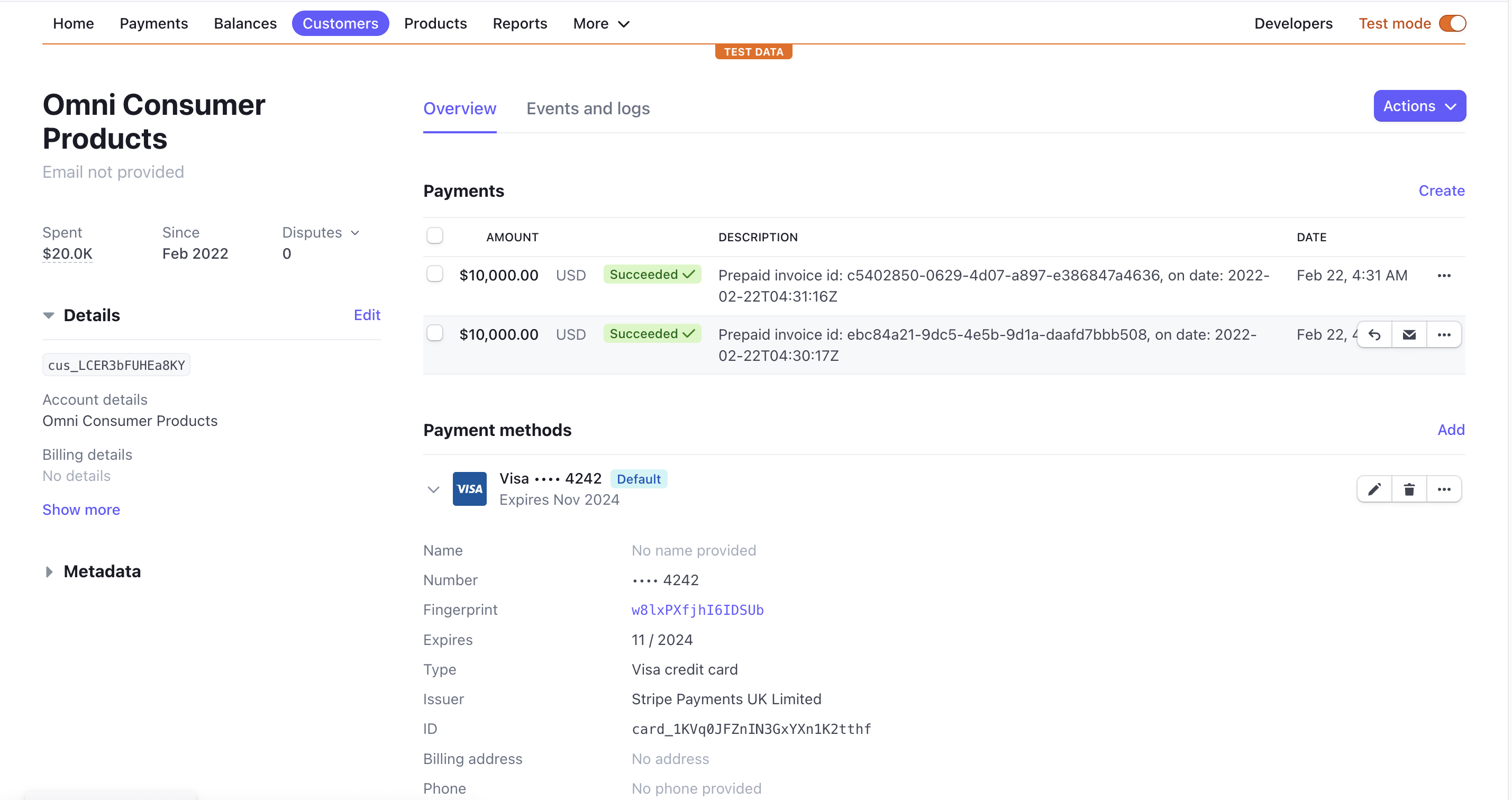
Set up the default payment method in Stripe. For testing, you can use dummy credit cards.
📘 Further Reading
- For testing documentation on Stripe, click here.