Account Structure (Root & Child)
Root and Child Accounts Overview
When you first create an account in Amberflo, it is automatically initialized with a Root account and two default Child accounts:
- Development
- Production
This setup provides clear separation between environments and centralizes administrative control.
Root Account
The Root account is used primarily for administrative and oversight purposes. Its key responsibilities include:
- Viewing invoices and billing details
- Managing global settings and configurations
- Accessing and overseeing all Child accounts and users
Child Accounts
Child accounts are where Amberflo’s features are actively used. They allow you to separate usage and environments:
- Development For testing, integration, and pre-production workflows
- Production For live operations and tracking real usage data
Managing Child Accounts
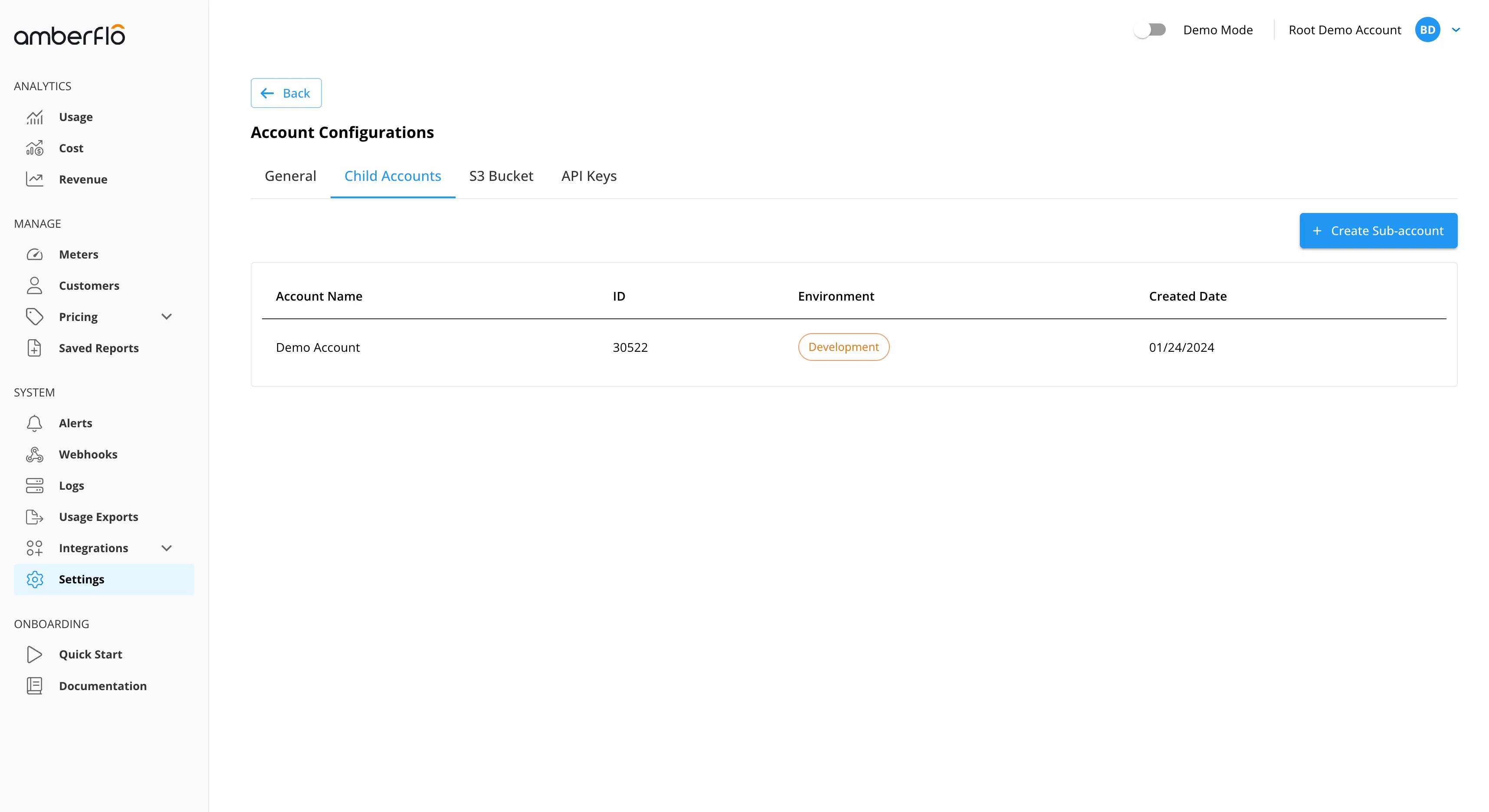
You can create additional Child accounts to fit your organization’s structure. To manage Child accounts:
- Navigate to: Settings > Account Configurations > Child Accounts
- From here, you can:
- Create new Child accounts
- Manage existing ones
- Delete accounts no longer needed
Note: Only the Root account has permission to create or delete Child accounts.
Role-Based Access Control (RBAC)
Each Child account in Amberflo can have its own RBAC (Role-Based Access Control) configuration, allowing for precise control over user permissions in different environments.
- Granular Access Control You can assign distinct roles to users within each Child account, ensuring the right access for development, testing, or production environments.
- Environment-Specific Permissions For example, a user may have Administrator access in the Development account but Read-only Analyst access in Production.
- Scalable Security RBAC ensures secure operations across teams by limiting actions based on responsibilities.
For detailed steps on configuring roles and permissions, see our Role Based Access Control (RBAC)